Upgrade Your Home with Mi Home/Alexa Compatible Smart Lighting Kit
Thinking about dipping your toes into the world of smart home lighting? You’re probably wondering if a Mi Home or Alexa compatible smart lighting kit is the right way to go. The short answer? It can be a really practical and approachable entry point if you’re looking for convenience, a bit of ambiance control, and easy integration with voice assistants. You don’t need to be a tech wizard to get started, and these kits offer a solid foundation for building a more connected home.
Getting Started: What Exactly is a Smart Lighting Kit?
At its core, a smart lighting kit is a bundle designed to get you up and running with connected lights without having to buy individual components and figure out compatibility. It typically includes a central hub or bridge, and a few smart bulbs or light strips. The hub is the brains of the operation, communicating with your Wi-Fi network and then wirelessly with the lights. The bulbs themselves are what you’ll screw into your existing lamps and fixtures.
The Hub: The Command Center
You’ll often find a small, unassuming box in these kits – that’s your hub. It’s essential because it bridges the gap between your home’s Wi-Fi and the lights, which often use a different wireless protocol like Zigbee. This allows your smart bulbs to talk to your router and, consequently, to your phone or voice assistant. Without a hub, your lights wouldn’t be able to connect to your network in the first place.
The Lights: Bulbs, Strips, and More
The “lights” part of the kit can vary. Most commonly, you’ll get smart bulbs that are designed to fit standard light sockets (like E26 or E27). These are the easiest to swap in for your existing bulbs. Some kits might also include LED light strips, which are great for adding accent lighting behind TVs, under cabinets, or along shelves. The type of light and its color capabilities will depend on the specific kit you choose.
Mi Home vs. Alexa Compatibility: What’s the Difference?
This is where things can get a little nuanced. When we talk about “Mi Home or Alexa compatible,” it generally means one of two things:
Mi Home Ecosystem Focus
Some kits are primarily designed to work within Xiaomi’s Mi Home app. This means the hub and the lights will be controlled through that specific app. If you already have other Mi Home devices, this can be a seamless integration. The Mi Home app is quite comprehensive and allows for automation, scene creation, and remote control of all your connected Xiaomi products.
Alexa Integration
This usually indicates that the kit can be controlled using Amazon Alexa voice commands. This means you can link the smart lighting system to your Alexa account and then tell your Echo device to turn lights on, off, dim them, or even change their color (if they’re color-capable). For many people, Alexa compatibility is a major selling point because it adds a hands-free level of convenience to managing their lights.
The Overlap: Working Together
It’s important to note that many kits offer both. They are designed to be controlled by the Mi Home app, but they also have the capability to be linked to Alexa. This gives you the best of both worlds: direct control through the dedicated app for detailed settings and automations, and easy voice control for everyday tasks. You’ll usually see this advertised as “Works with Alexa” or similar.
Setting Up Your Smart Lighting Kit: It’s Easier Than You Think
One of the most common hesitations people have about smart home tech is the perceived difficulty of setup. Fortunately, smart lighting kits are designed to be user-friendly, and the process is generally quite straightforward.
Step 1: Unbox and Connect the Hub
First things first, you’ll unbox your kit. The hub typically needs to be plugged into both a power outlet and your home router via an Ethernet cable. This wired connection ensures a stable link to your network. Some newer hubs might offer Wi-Fi setup, but an Ethernet connection is often recommended for initial setup.
Step 2: Download the App and Create an Account
You’ll need to download the associated app – in this case, likely the Mi Home app. You’ll then create an account if you don’t already have one. This account is what allows you to access your devices remotely and manage your settings.
Step 3: Add the Hub to the App
Follow the in-app instructions to find and add your hub. The app will guide you through discovering the hub on your network. This usually involves pressing a button on the hub or scanning a QR code.
Step 4: Pair Your Smart Lights
Once the hub is set up, you can start adding your smart bulbs or light strips. This typically involves screwing in a bulb (making sure the light switch is on) and then using the app to search for new devices. The hub will then communicate with the bulb and add it to your system. For light strips, you’ll usually plug them into a power adapter and follow similar pairing steps via the app.
Step 5: Link with Alexa (If Applicable)
If your kit is Alexa compatible, the next step is to link it to your Amazon Alexa account. Open the Alexa app, go to “Skills & Games,” search for the skill associated with your smart lighting brand (e.g., “Mi Home” if it has an Alexa skill), and enable it. You’ll then log in with your Mi Home account credentials to grant Alexa permission to control your lights. After that, you can ask Alexa to “Discover devices.”
Practical Applications: Beyond Just Turning Lights On and Off
The real value of smart lighting goes beyond simple on/off commands. These kits open up a world of practical applications that can genuinely improve your daily life.
Convenience at Your Fingertips (and Voice)
The most obvious benefit is convenience. Imagine coming home with your hands full and simply saying, “Alexa, turn on the porch light.” Or, from the comfort of your bed, “Hey Google, turn off the living room lights.” This hands-free control is incredibly useful.
Setting the Mood: Ambiance Control
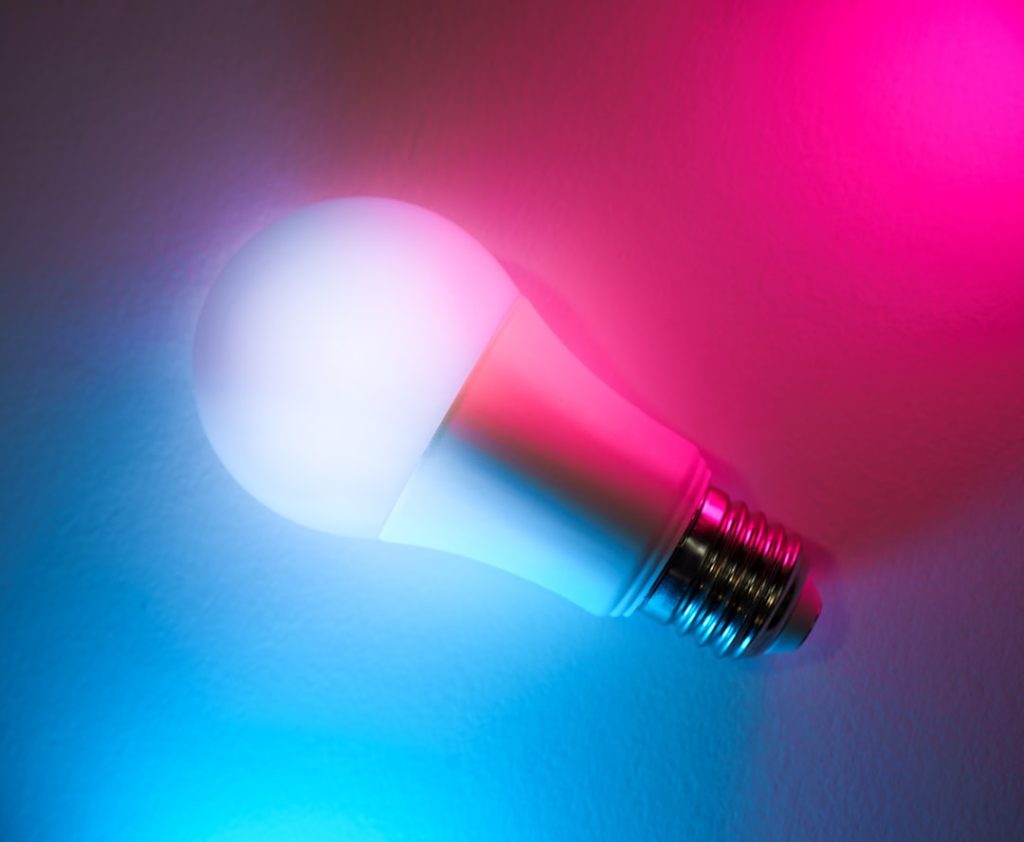
Smart bulbs often offer dimming capabilities, allowing you to create a softer, more relaxed atmosphere. Some kits even include color-changing bulbs. This is fantastic for setting the mood for movie nights, dinner parties, or winding down in the evening. You can set a warm, soft glow for relaxation or vibrant colors for a more energetic feel.
Automation for Efficiency and Security
This is where smart lighting really shines. You can set schedules for your lights to turn on and off automatically.
Wake-Up Routines
Program your bedroom lights to gently brighten in the morning, mimicking a sunrise. This can be a much more pleasant way to wake up than a jarring alarm.
Evening Wind-Down
Schedule your living room lights to dim and turn to a warmer color in the evening, signaling to your brain that it’s time to relax. Automatically turning off lights in unoccupied rooms can also save energy.
Away-From-Home Simulation
When you’re on vacation, you can program lights to turn on and off at random times to make it look like someone is home, which can be a deterrent to potential intruders. Remote control also means you can turn on lights before you arrive home, ensuring you arrive in a well-lit environment.
Energy Saving Potential
While not the primary driver for most, smart lighting can contribute to energy savings. The ability to dim lights reduces power consumption, and automatically turning off lights in unused areas prevents unnecessary energy use. Scheduling can also ensure lights aren’t left on all day when they aren’t needed.
Considerations Before You Buy
While smart lighting kits offer a lot of benefits, it’s wise to think through a few things before making a purchase to ensure you get the best fit for your needs.
Room Size and Coverage
Consider how many lights you’ll need. A starter kit usually comes with 2-4 bulbs. If you want to smarten up an entire large room, you might need more. Think about the areas you want to control – is it just one lamp, or multiple fixtures?
Bulb Type and Fixture Compatibility
Ensure the bulbs in the kit are the right type for your existing fixtures. Most kits use standard screw-in bulbs, but it’s always worth double-checking. Also, consider the brightness (lumens) and color temperature (Kelvin) – do you need bright task lighting, or a warmer, ambient glow?
App Experience and Ecosystem
If you’re already invested in a particular smart home ecosystem (like Mi Home), sticking with it can simplify things. If you’re starting from scratch, consider which app interface you find most intuitive and which ecosystem offers the other devices you might want in the future.
Network Strength and Reliability
Smart lighting relies on a stable Wi-Fi connection. If your Wi-Fi is weak or unreliable in certain areas of your home, you might experience connectivity issues. In such cases, a mesh Wi-Fi system or Wi-Fi extenders might be necessary, which is an added consideration. The hub helps mitigate some of this by using a dedicated protocol, but the initial connection still goes through your router.
Future Expansion Possibilities
Think about whether you plan to expand your smart lighting system beyond the initial kit. Does the brand offer additional bulb types, light strips, or other accessories that are compatible with the same hub and app? This can save you from having to switch brands later on.
Expanding Your Smart Lighting Beyond the Kit
Once you’ve got your starter kit up and running, you might find yourself wanting to add more. The beauty of these systems is their scalability. You’re not locked into just the bulbs included in the box.
Adding More Bulbs
This is the most straightforward expansion. If you have a Mi Home hub, you can typically purchase additional Mi Home compatible smart bulbs and pair them with your existing hub through the Mi Home app. The same applies to other brands – as long as they use the same protocol and are compatible with your hub.
Smart Light Strips for Accent Lighting
LED light strips are a popular choice for adding a touch of flair. They are great for indirect lighting, like behind a TV to reduce eye strain, under kitchen cabinets for task lighting, or along shelves to highlight décor. Most kits that offer bulbs will also have compatible light strip options.
Smart Switches and Dimmers
For a more advanced setup, consider smart switches or dimmers. These replace your existing wall switches and allow you to control any lights on that circuit, even if they aren’t smart bulbs themselves. This is a great solution for fixtures with multiple bulbs or for areas where you prefer traditional switch operation but still want smart control. However, these usually require a separate purchase and might necessitate more involved installation.
Integrating with Other Smart Home Devices
The true power of a smart home often lies in interoperability. If your Mi Home system is linked to Alexa, you can create routines that involve more than just lights. For example, you could create a “Good Morning” routine that turns on your bedroom lights, starts your smart coffee maker (if it’s also smart home compatible), and reads you the news. The more devices you have that can communicate with each other, the more seamless your smart home experience becomes.
By starting with a Mi Home or Alexa compatible smart lighting kit, you’re taking a practical step into the world of connected living. You gain immediate benefits in convenience and ambiance, and you pave the way for a more automated and personalized home experience down the line.